
Toggle Glowing Edge Lights — Improve Your Webcam Image Instantly
Enhance your webcam appearance with subtle, glowing edge lights that you can toggle using a customizable hotkey or the tray icon.
Designed to brighten your face and improve visibility during calls — without affecting screen sharing or recordings.



Key Features

Full light configuration
Intuitive but full light configuration
Invisible on shared screen
Light will be invisible during screen sharing but will continue to provide a perfect webcam experienceFeatures
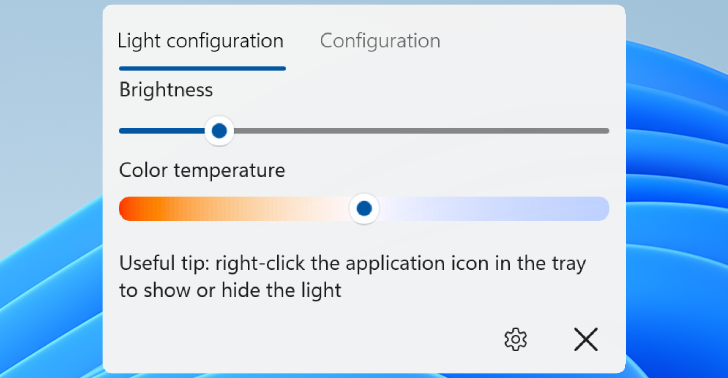
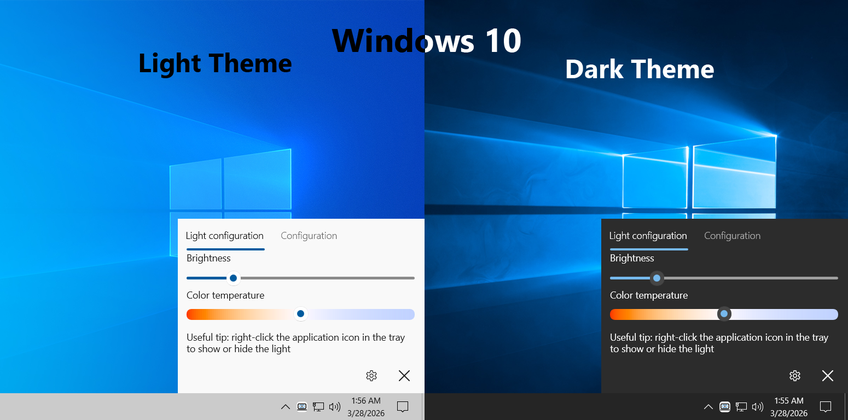
Simple light configuration
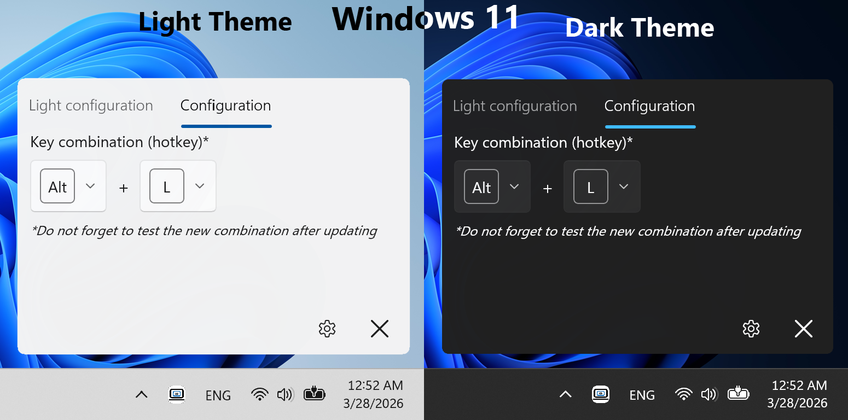
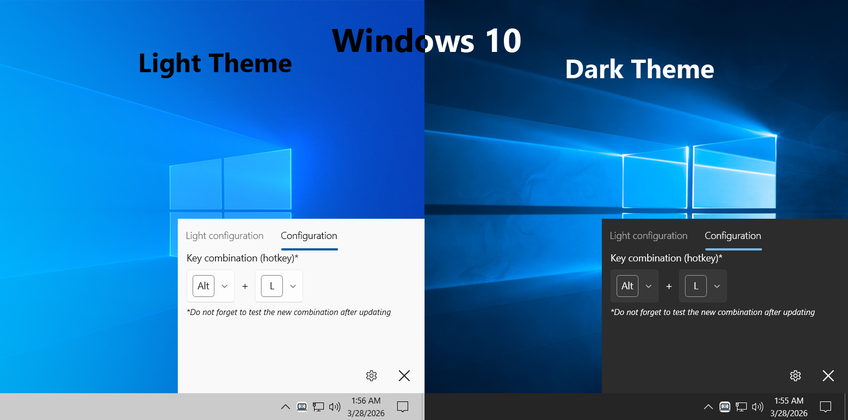
Customize brightness and color temperatureSimple key combination (hotkey) configuration
Specify preferable key combination (hotkey) to toggle light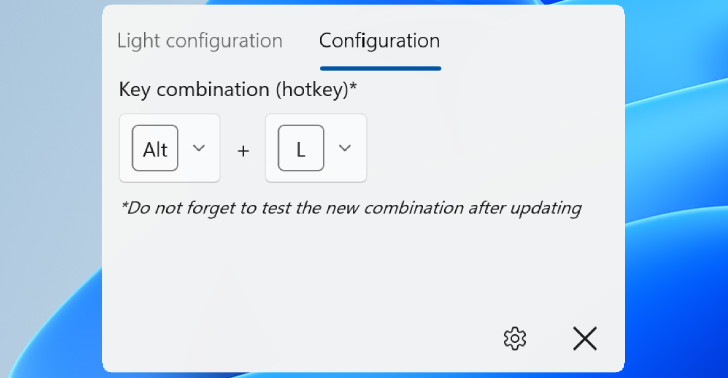

Modern design
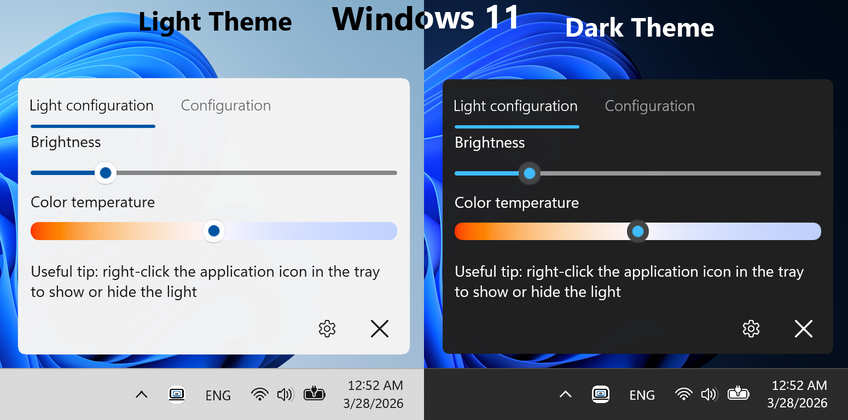
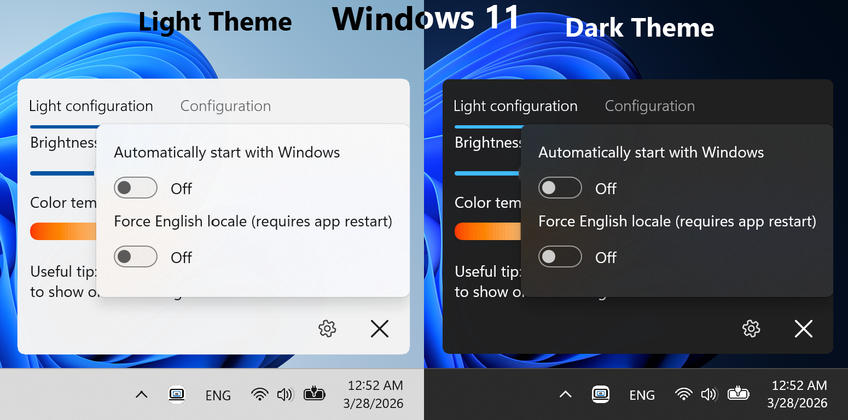
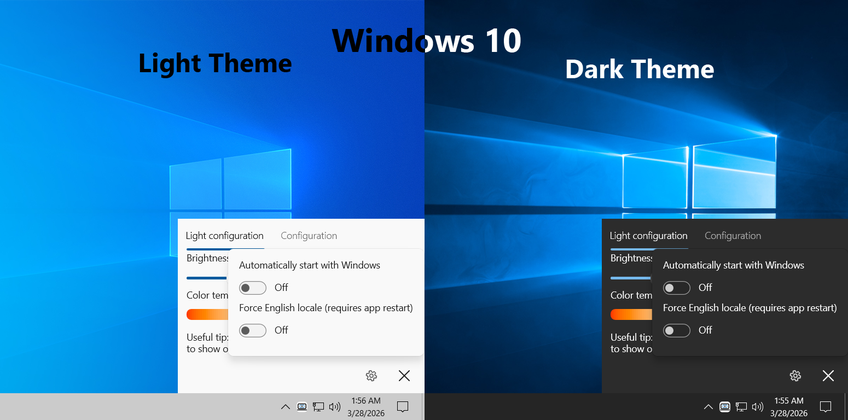
Windows 11 and Windows 10 design based on Windows version with stylish icons, animations and multiple resolution/DPI supportThemes
Dark and Light themes with automatic detection
Autostart
Option to automatically start with WindowsMultiple languages
Multiple language support** with automatic detection

Efficiency
Low system resource consumptionScreenshots

** - currently supported: English (default and application can be forced to use it), French, German, Polish, Ukrainian, Russian