
Keep Your Workspace Private
Automatically hide selected applications the moment you start screen sharing, and move them from the taskbar to the system tray.
Ideal for meetings, presentations and remote work, when you want full control over what others see.



Key Features

Hide during screen sharing
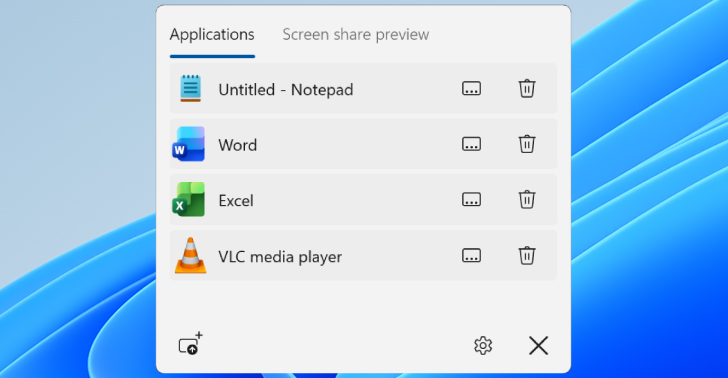
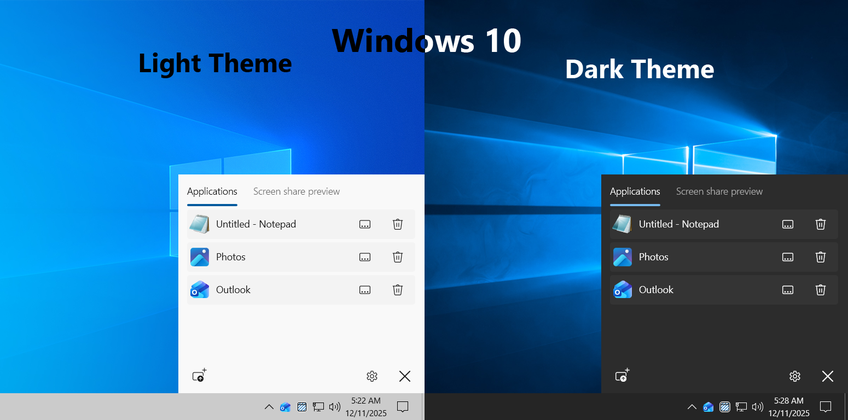
Hides selected applications from screen share with live preview
Hide application icon to tray
Hide selected application icons to tray from taskbarFeatures
Simple configuration
Select a running application once and it will be automatically hidden from screen share each time you are using it.For additional security selected application icon can be moved to tray from task bar.
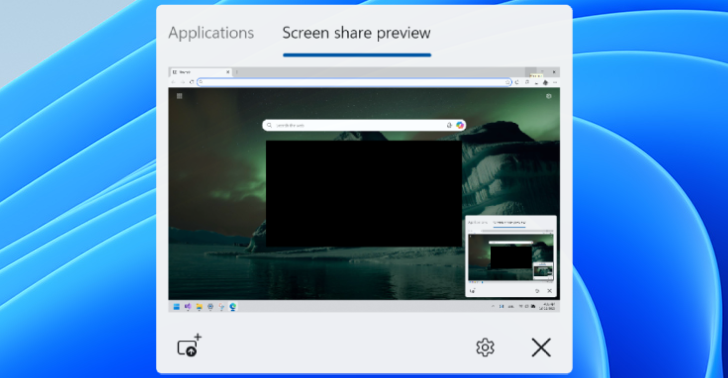
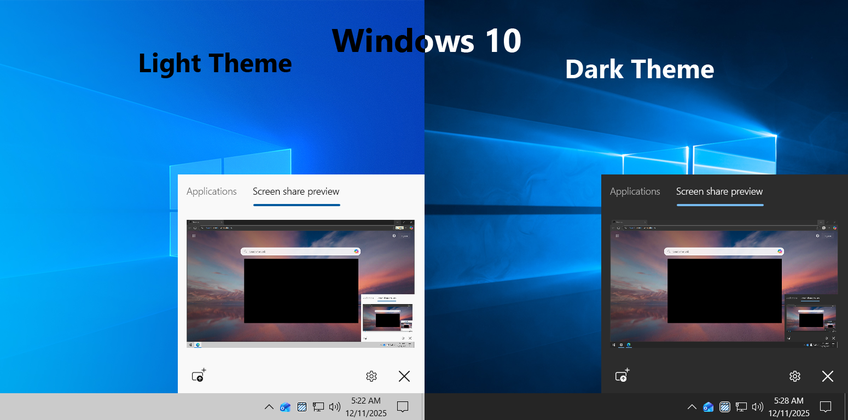
Live screen share preview
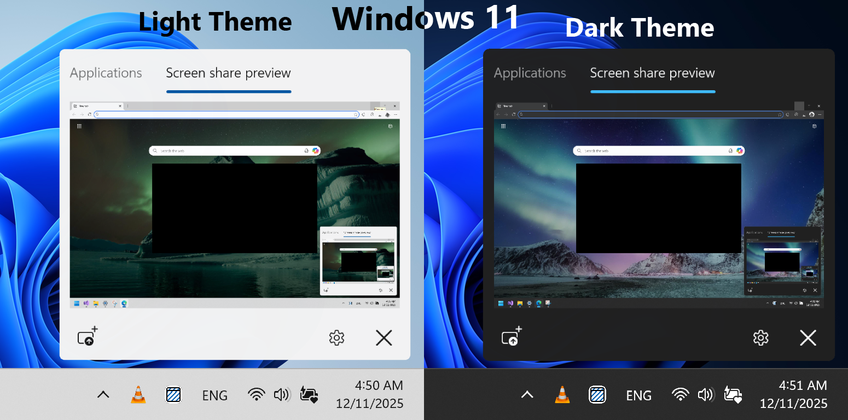
Live screen share preview will help to confirm how screen will look like during screen shareModern design
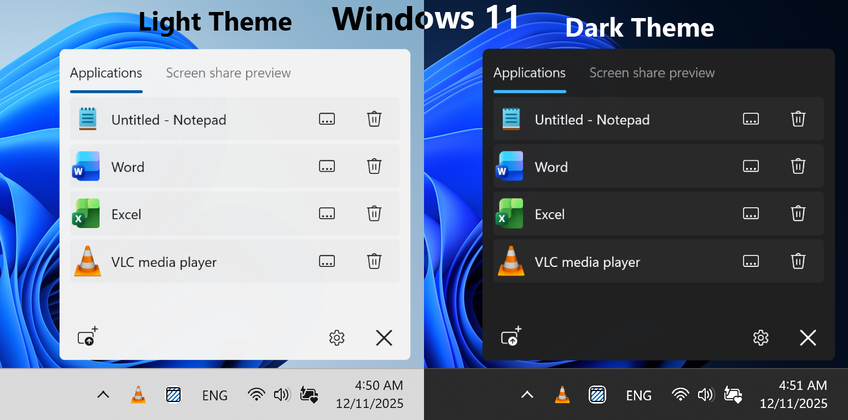
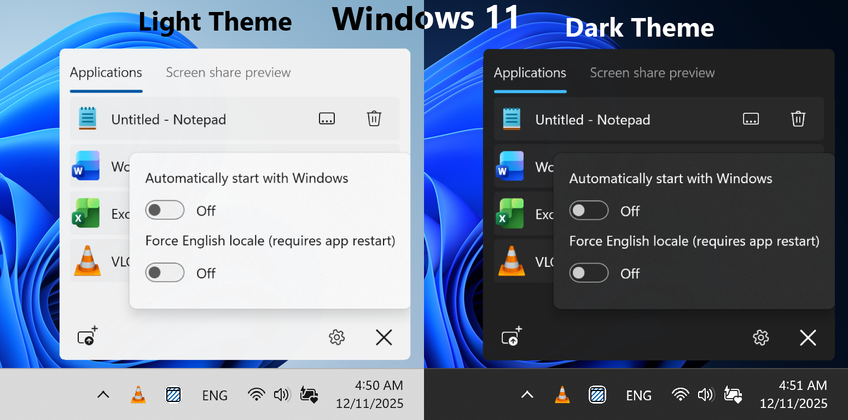
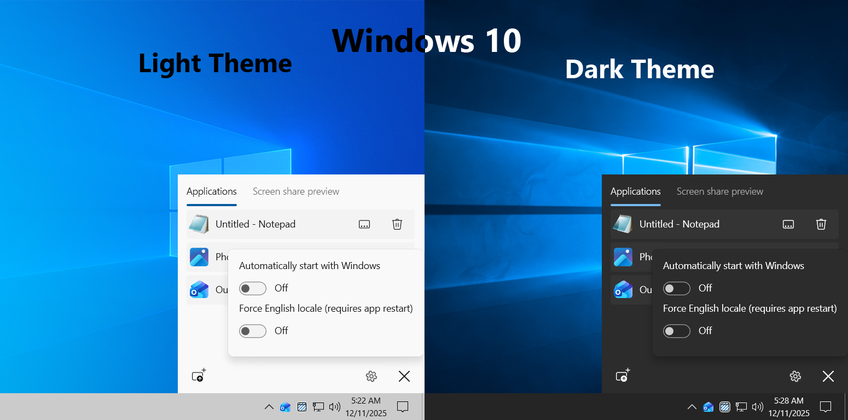
Windows 11 and Windows 10 design based on Windows version with stylish icons, animations and multiple resolution/DPI support

Themes
Dark and Light themes with automatic detectionAutostart
Option to automatically start with Windows

Multiple languages
Multiple language support** with automatic detectionEfficiency
Low system resource consumption
Screenshots
** - currently supported: English (default and application can be forced to use it), French, German, Polish, Ukrainian, Russian