
Secure Peer-to-Peer File Sharing — Directly From Your PC
Share any files or folders securely and without limits.
Nothing is ever stored in the cloud — files move straight from your PC to the recipient over an encrypted connection.
No cloud storage, no size limits, no compromises.



Key Features

Your Data Under Your Control
Unlike other platforms, all files and folders stay on your machine, they are not stored in our cloud
Highest Security Possible
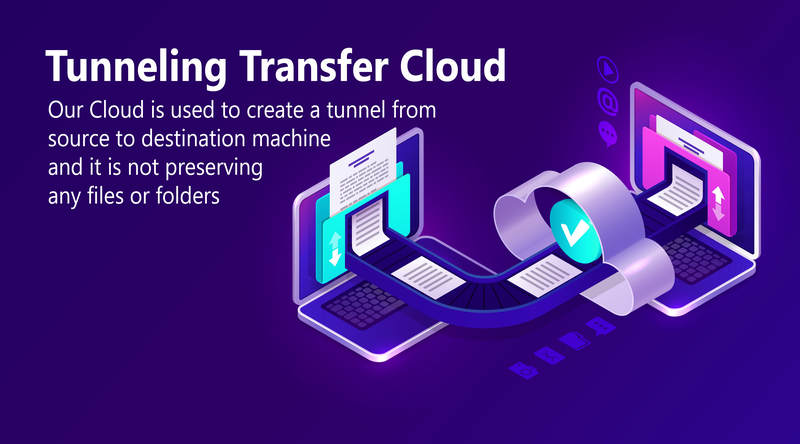
Shared files or folders can be password protected and they are directly transferred from your machine to another using a secure cloud tunnel
Precise Access Control
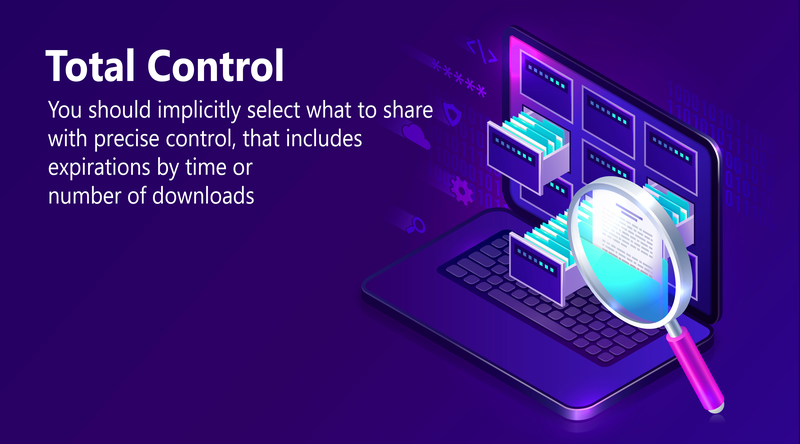
Each shared file or folder can be configured for how long it will be available and how many times it will be downloaded
No Limits
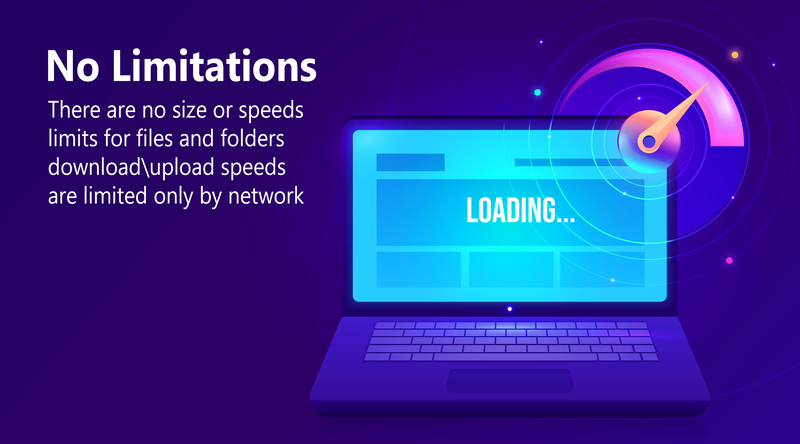
Files or folders are not limited by size and upload/download speeds are limited only by networkFeatures
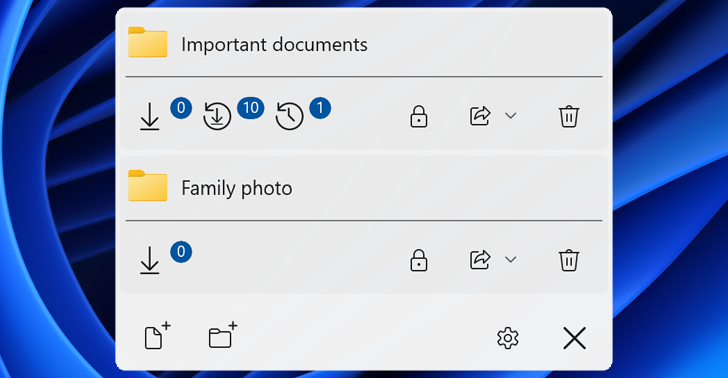
Access Control
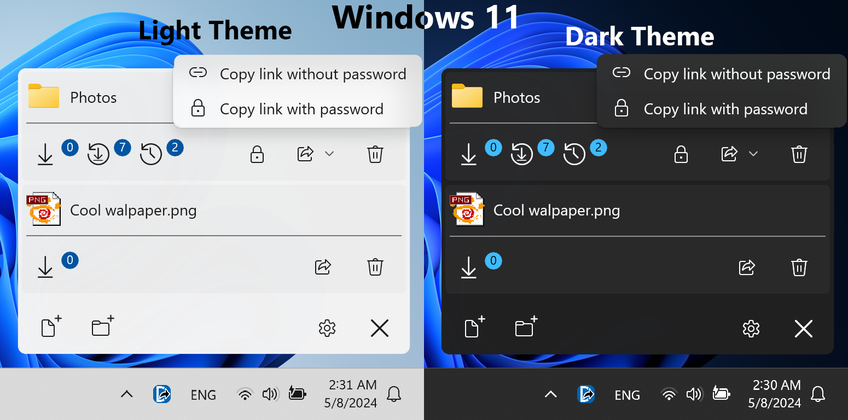
File or folder can be protected by access password, can have expiration time or even how many times they can be downloaded. Current download count is always availableUnder your control
Remove file or folder from application or close application or turn off your PC and shared item will no longer be accessible. No information regarding shared file or folder is stored in our cloud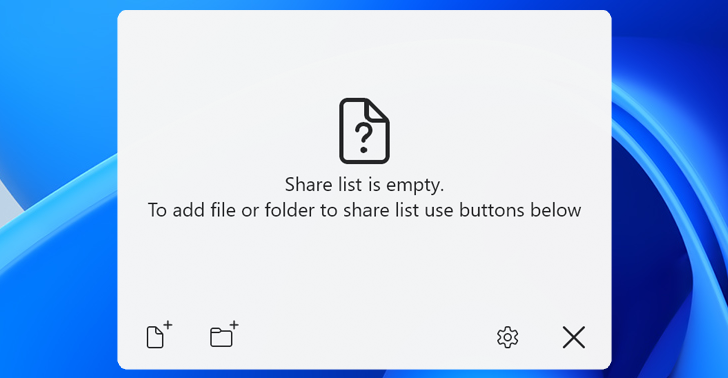
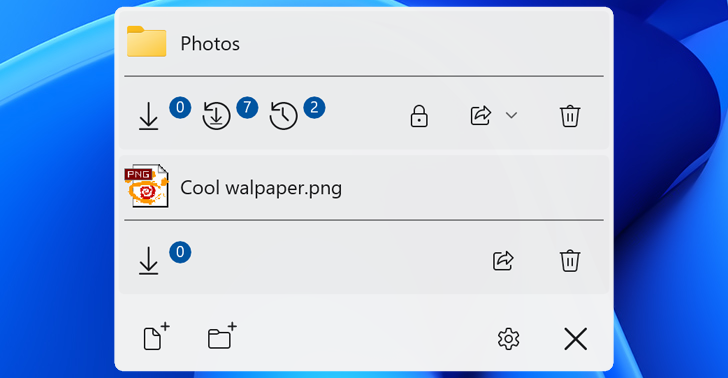
Simple configuration
Add a file or folder you want to share and it becomes accessible via a linkModern design
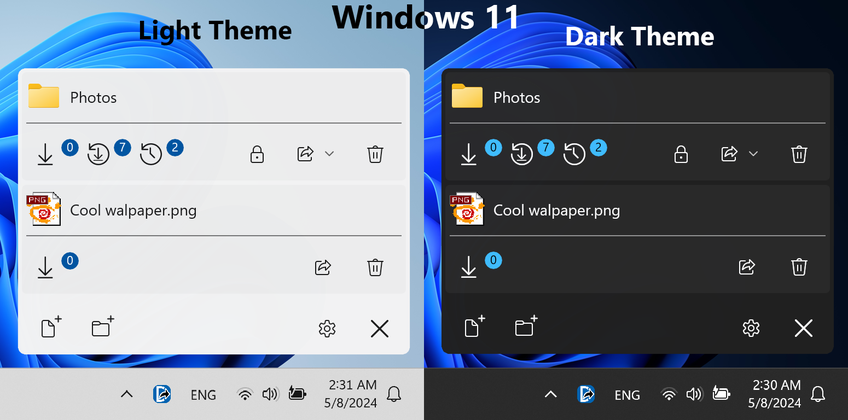
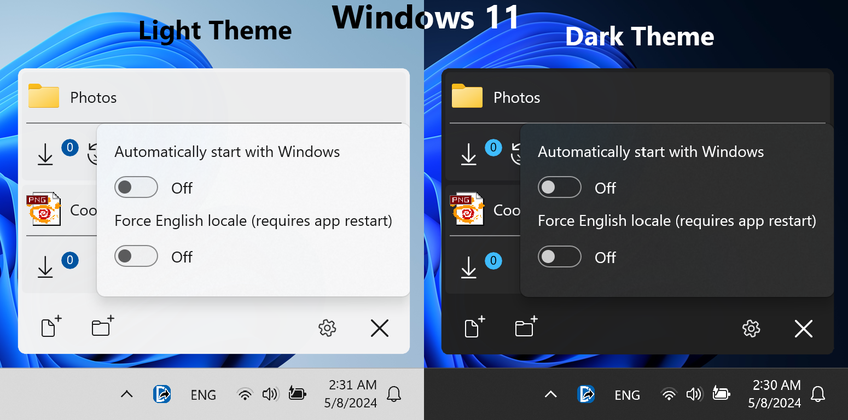
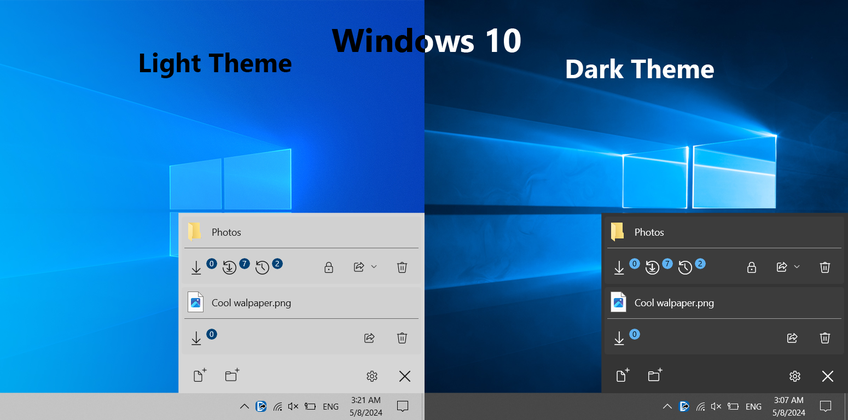
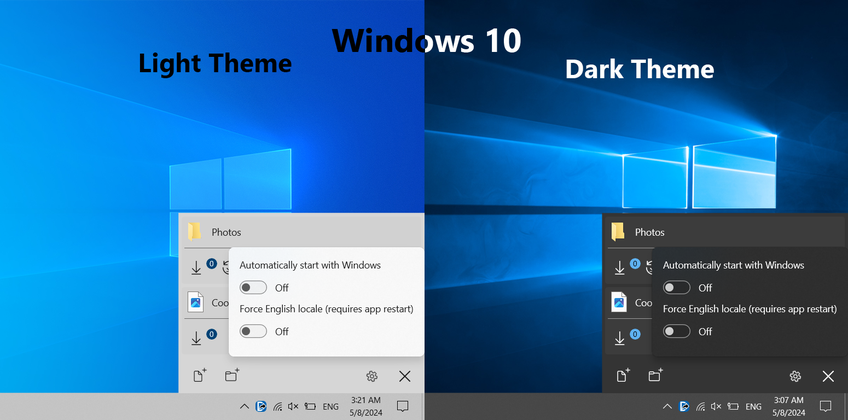
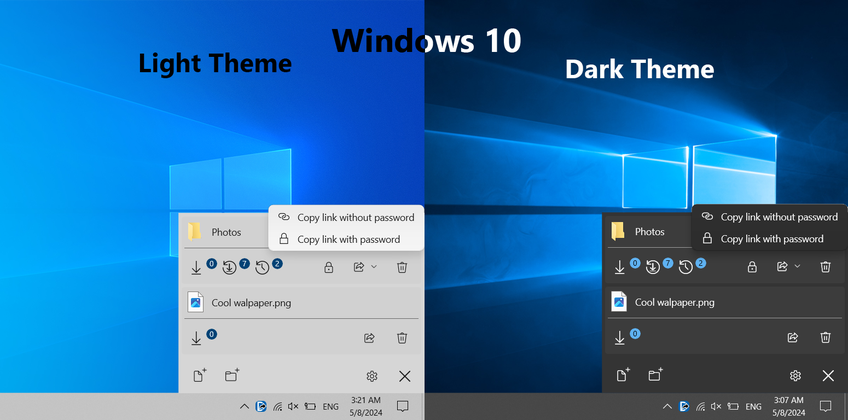
Windows 11 and Windows 10 design based on Windows version with stylish icons, animations and multiple resolution/DPI support

Themes
Dark and Light themes with automatic detectionAutostart
Option to automatically start with Windows

Multiple languages
Multiple language support** with automatic detectionEfficiency
Low system resource consumption
How it works
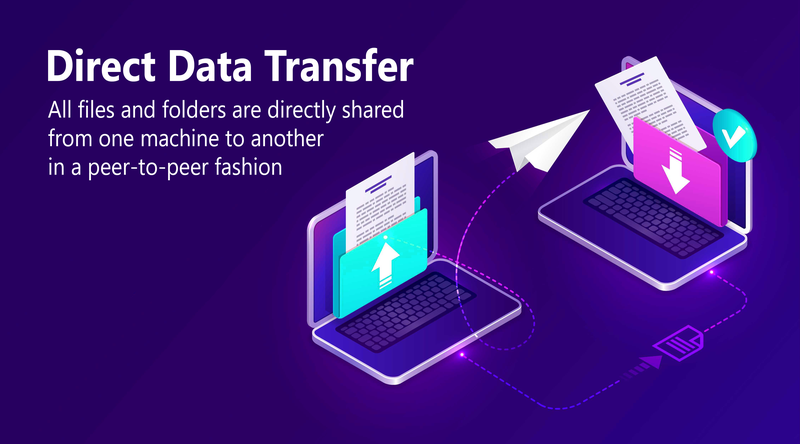


Screenshots
Secure Peer-to-Peer File Sharing — Directly From Your Mac
Share any files or folders securely and without limits.
Nothing is ever stored in the cloud — files move straight from your Mac to the recipient over an encrypted connection.
No cloud storage, no size limits, no compromises.
Key Features
Your Data Under Your Control
Unlike other platforms, all files and folders stay on your machine, they are not stored in our cloudHighest Security Possible
Shared files or folders can be password protected and they are directly transferred from your machine to another using a secure cloud tunnelPrecise Access Control
Each shared file or folder can be configured for how long it will be available and how many times it will be downloadedNo Limits
Files or folders are not limited by size and upload/download speeds are limited only by networkFeatures
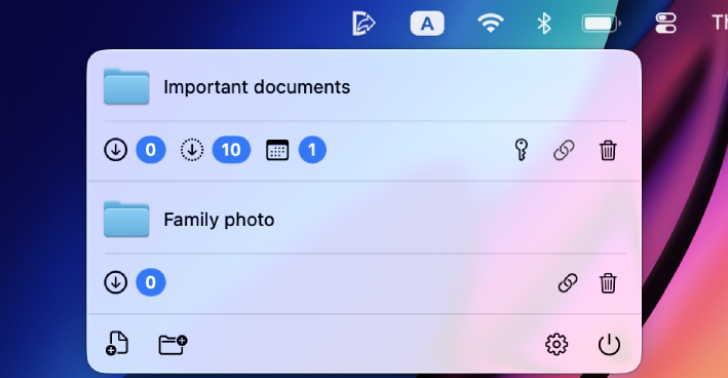
Access Control
File or folder can be protected by access password, can have expiration time or even how many times they can be downloaded. Current download count is always availableUnder your control
Remove file or folder from application or close application or turn off your Mac and shared item will no longer be accessible. No information regarding shared file or folder is stored in our cloud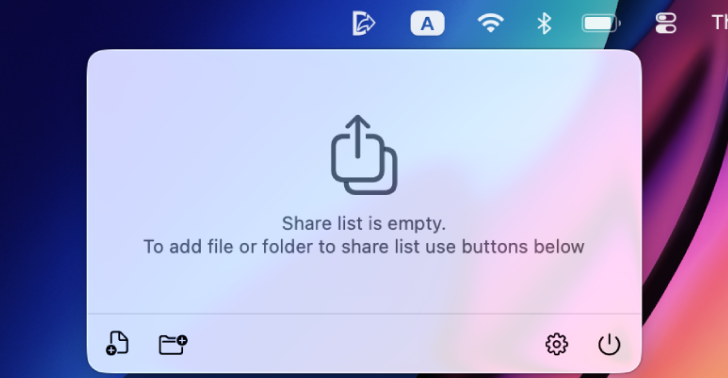
Simple configuration
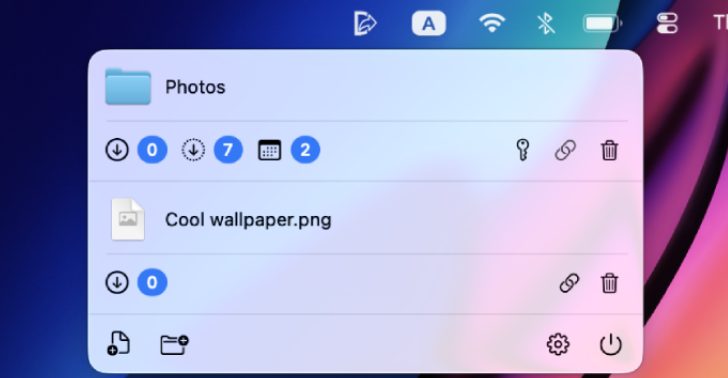
Add a file or folder you want to share and it becomes accessible via a linkModern design
Mac native design with stylish icons, animations and multiple resolution/DPI support

Themes
Dark and Light themes with automatic detectionAutostart
Option to automatically start with Mac

Multiple languages
Multiple language support** with automatic detectionEfficiency
Low system resource consumption
How it works
Screenshots
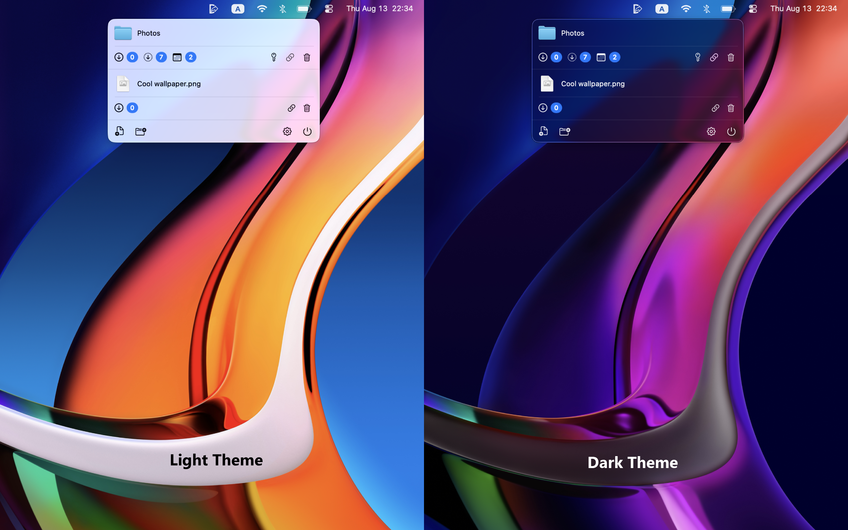
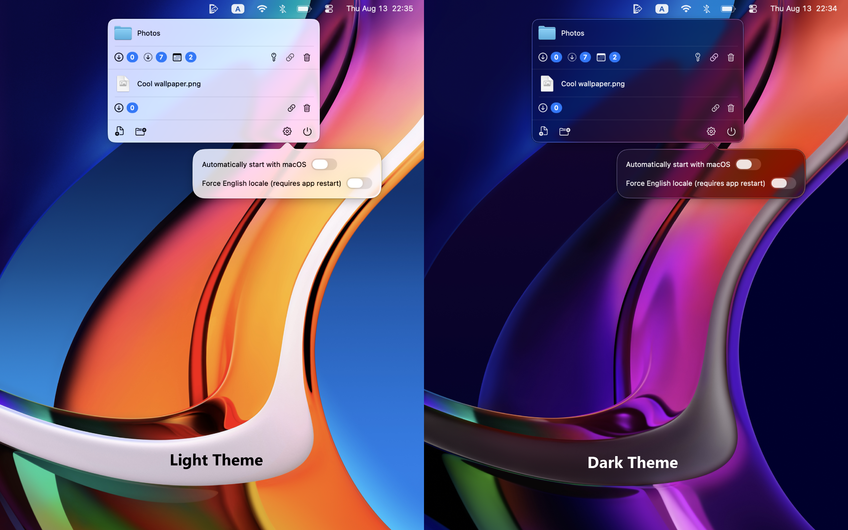
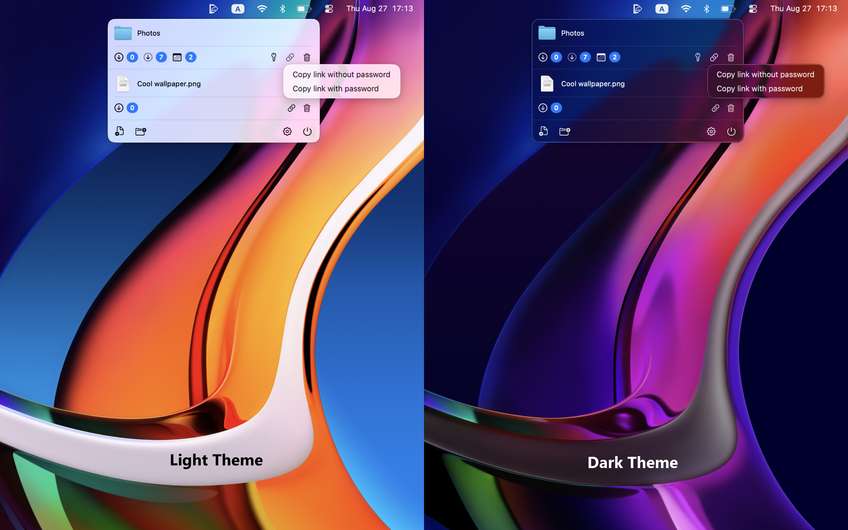
** - currently supported: English (default and application can be forced to use it), French, German, Polish, Ukrainian, Russian
Cool slides are based on designs by Freepik